August 11, 2026 · Terminals
Countertop, Wireless Or Phone: Choosing A Payment Terminal
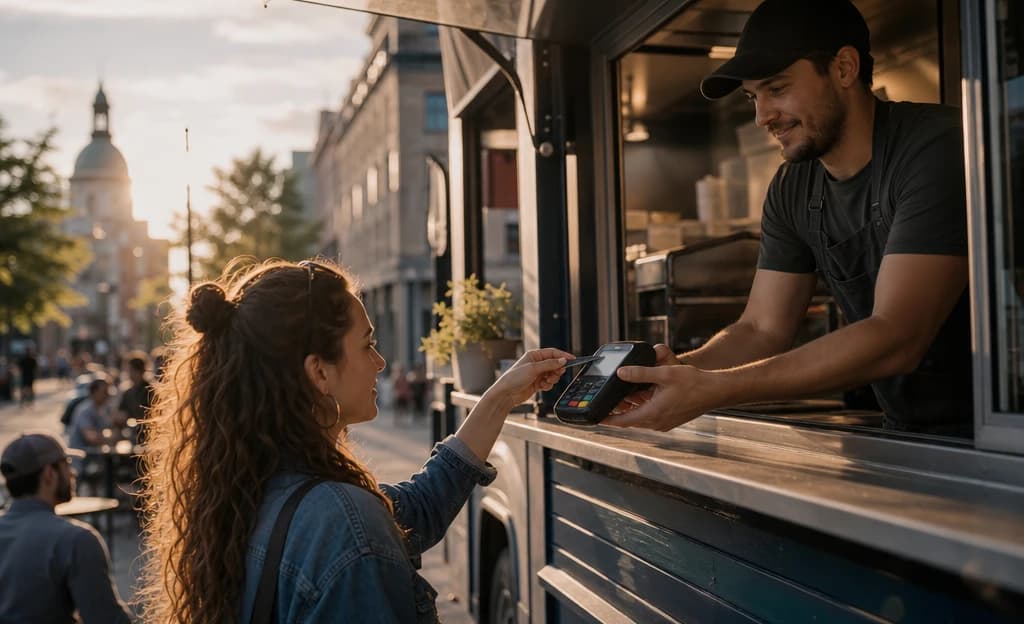
The payment terminal is the last thing most owners think about and the one piece of the business every customer touches. Choose well and nobody notices — money just moves. Choose badly and you're rebooting a frozen machine while the line grows. The good news: picking the right one comes down to a handful of plain questions, not a spec sheet.
Which type of payment terminal fits how you sell?
Match the device to how you actually sell, not to whatever the sales rep has in stock:
- A fixed counter — café, salon, retail till. You want a countertop terminal: wired in, always on, built to be handled all day.
- Tables, patios, or service that moves around the room. You want a wireless terminal that travels to the customer and prints on the spot.
- Markets, deliveries, job sites. Your phone can be the terminal — customers tap their card directly on it, no extra hardware.
Plenty of businesses need two of these. That's normal, and it beats forcing one device to do a job it wasn't built for.
What every POS terminal in Canada needs: tap, chip and PIN, Interac
Whatever the shape, some things are not optional. Tap has to be quick and reliable — it's the way Canadians expect to pay now. Chip-and-PIN certification covers everyone else. The machine must take Interac debit alongside Visa and Mastercard credit; debit is far too popular here to treat as an extra. And point-to-point encryption with PCI compliance keeps card data locked from the moment of tap, which protects your customers and your liability.
Delivery shouldn't be a project, either. A terminal can be at your counter within 48 hours and taking payments the same day — hold whoever you buy from to that bar.
Six questions to ask before you choose a terminal
Two terminals can carry identical spec sheets and behave completely differently at your counter. These six questions surface the difference:
- How does it connect? Wi-Fi is fine at a counter; a SIM card keeps a patio or truck running when Wi-Fi drops.
- Will the battery last a full service, or quit during the Saturday rush?
- Can it prompt for tips and send receipts by email or text?
- Does it feed a dashboard where you can check sales, reports, and alerts without calling anyone?
- What happens when it breaks — a swap in days, or a support ticket into the void?
- What are the rental terms, and what does leaving cost?
None of these questions are technical. They're all about your busiest hour, because that's the only hour where the terminal really matters.
Can your phone replace a payment terminal?
Turning your phone into the terminal is the cheapest way to start and a great fit for mobile, lower-volume selling. The trade-offs are real, though: no printed receipt, one battery doing two jobs, and a device you hand to strangers all day. For a market stall or a service call, it's ideal. For a busy till at rush hour, buy purpose-built hardware and keep the phone as backup.
One last thing: don't let the hardware decide your rate. The terminal and the pricing attached to it are separate negotiations, and a shiny machine is often the wrapping on an expensive processing agreement. Sort out where and how you sell, then make providers compete on both — a 15-minute demo with SimplyPay puts the terminals and the numbers side by side.